Set the project style
Give every generation the same visual rules, from realism and lighting to stylization and palette.


Matter turns natural language into discoverable, editable, engine-native materials, including the shader logic that makes a surface move, react, and live.
The Material Forge
Work from the visual language of the project, bring in any existing material, texture, or shader, and iterate without leaving the engine.
Give every generation the same visual rules, from realism and lighting to stylization and palette.
Drag in a material, shader, or texture to inspect it, annotate it, or create a derivative.
Prompt a new material or edit an existing one using the language an artist would use with another artist.
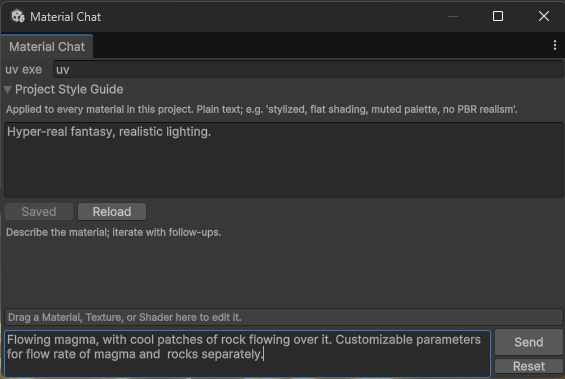
Engine-agnostic, project-aware materials in minutes, including the shader behavior that makes them feel alive.

The missing layer
Most generative 3D tools stop at static PBR maps. The artist still has to author the shader, wire the material, tune its parameters, and repeat the process when the idea changes.
Create textures, shader code, render logic, and a wired material instance as one usable artifact. No folder of loose images.
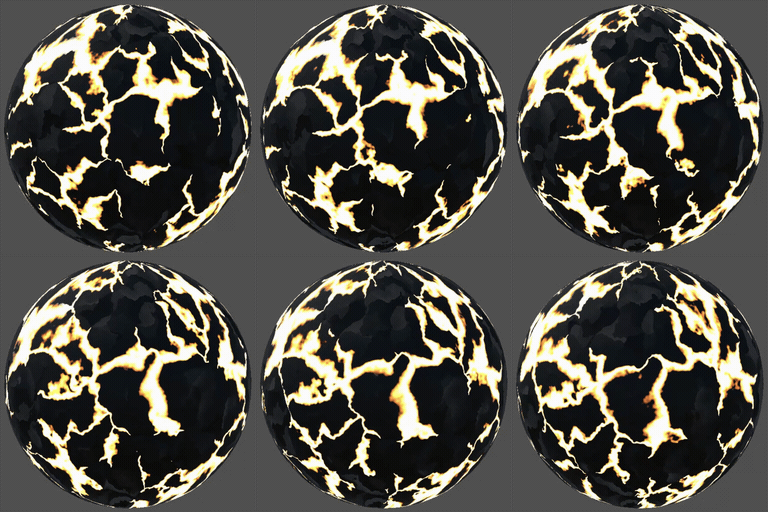
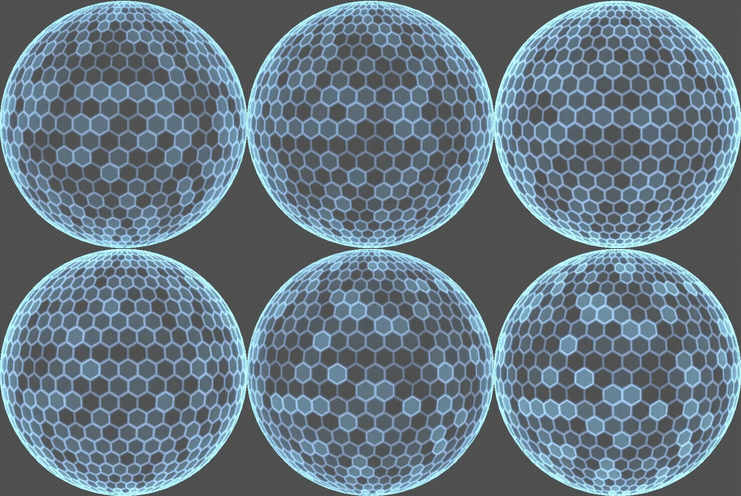
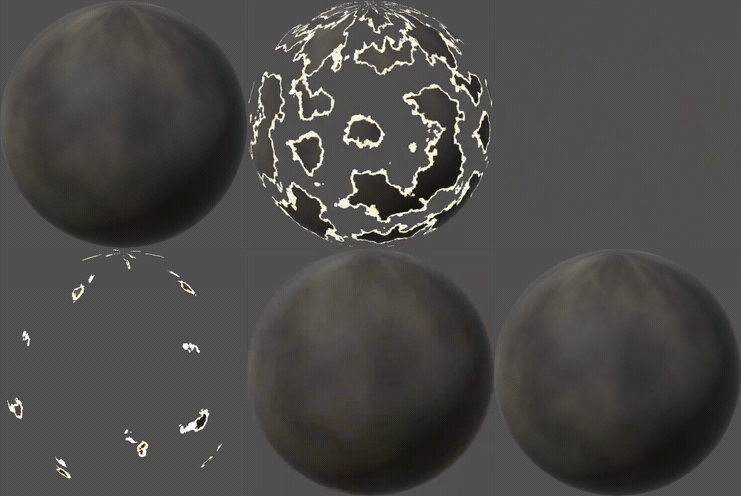
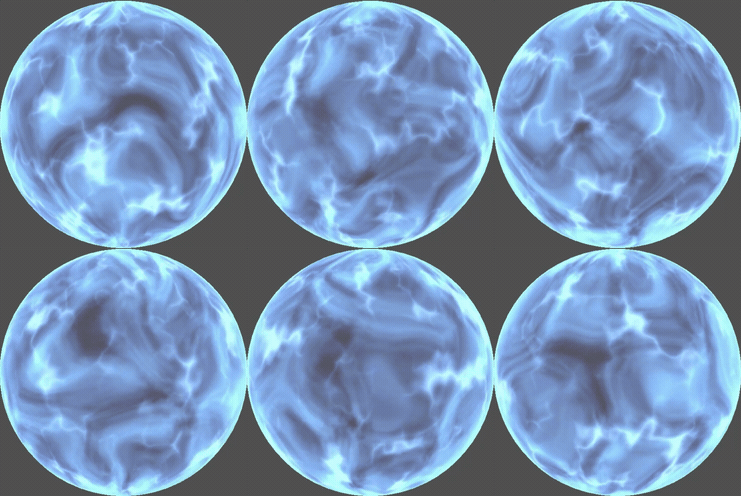
Generate procedural, animated, and parametric behavior for lava, dissolves, force fields, fire, and other living surfaces.
Refine an existing material by language or parameter. Edit the logic in place instead of regenerating the entire asset from scratch.
Start in Unity and extend through a portable representation to the engines your studio actually uses.
Your library becomes a system
Matter begins with the value you already own, then adds generation where retrieval stops.
Annotate proprietary textures, materials, and shaders so teams can search the studio library by meaning, not filename.
Describe the look or behavior you need and retrieve the closest internal or licensed match in seconds.
Use an approved material as the reference for a new variation that preserves the project’s visual language.
Generate textures and shader code when the right source artifact does not exist in any connected bank.
Validate generated shader code against the target engine instead of leaving integration risk for the artist.
Iterate with natural language and exposed controls while the asset remains wired into the environment where it will ship.
Everyone generates textures. Almost no one generates the shader.The Material Forge thesis
Your materials already contain intelligence
Start with one project library, one engine, and the surfaces that cost your team the most time.
Discuss a Matter pilot